


Download Microsoft Edge Web Browser – web browser, fast browsing, cross-device sync, AI assistant, mobile browser, Microsoft Edge
Overview
Microsoft Edge Web Browser is a modern, Chromium-based mobile browser developed by Microsoft, designed to deliver fast, secure, and seamless web experiences across devices. As digital lifestyles become increasingly device-agnostic, the app addresses the growing need for continuity between smartphones, tablets, and desktops. It enables users to start a browsing session on one device and seamlessly continue it on another, maintaining access to open tabs, bookmarks, history, and saved passwords.
This cross-device sync functionality is particularly valuable for professionals, students, and frequent travelers who rely on consistent access to their digital workflows. The browser is optimized for productivity, integrating with Microsoft’s broader ecosystem, including Windows 10 and Microsoft 365, to support a unified experience. Its clean interface and performance-focused design aim to reduce digital clutter and improve efficiency.
The app is especially relevant in a market dominated by a few major browsers, offering users a reliable alternative with enhanced synchronization and AI-powered tools. While the developer did not provide additional technical details about underlying architecture, the app’s functionality reflects Microsoft’s commitment to user-centric design and cross-platform integration. For individuals seeking a fast, customizable, and privacy-conscious browser, Microsoft Edge presents a compelling option in the mobile productivity landscape.
Key Features & Functionality
- Cross-Device Sync – Seamlessly transfer browsing activity between mobile devices and Windows 10 PCs, ensuring continuity across platforms.
- Hub View – Centralized dashboard for favorites, reading list, history, and saved books, reducing navigation complexity.
- Voice and Camera Search – Use voice commands or upload images to initiate searches, enabling hands-free and visual-based queries.
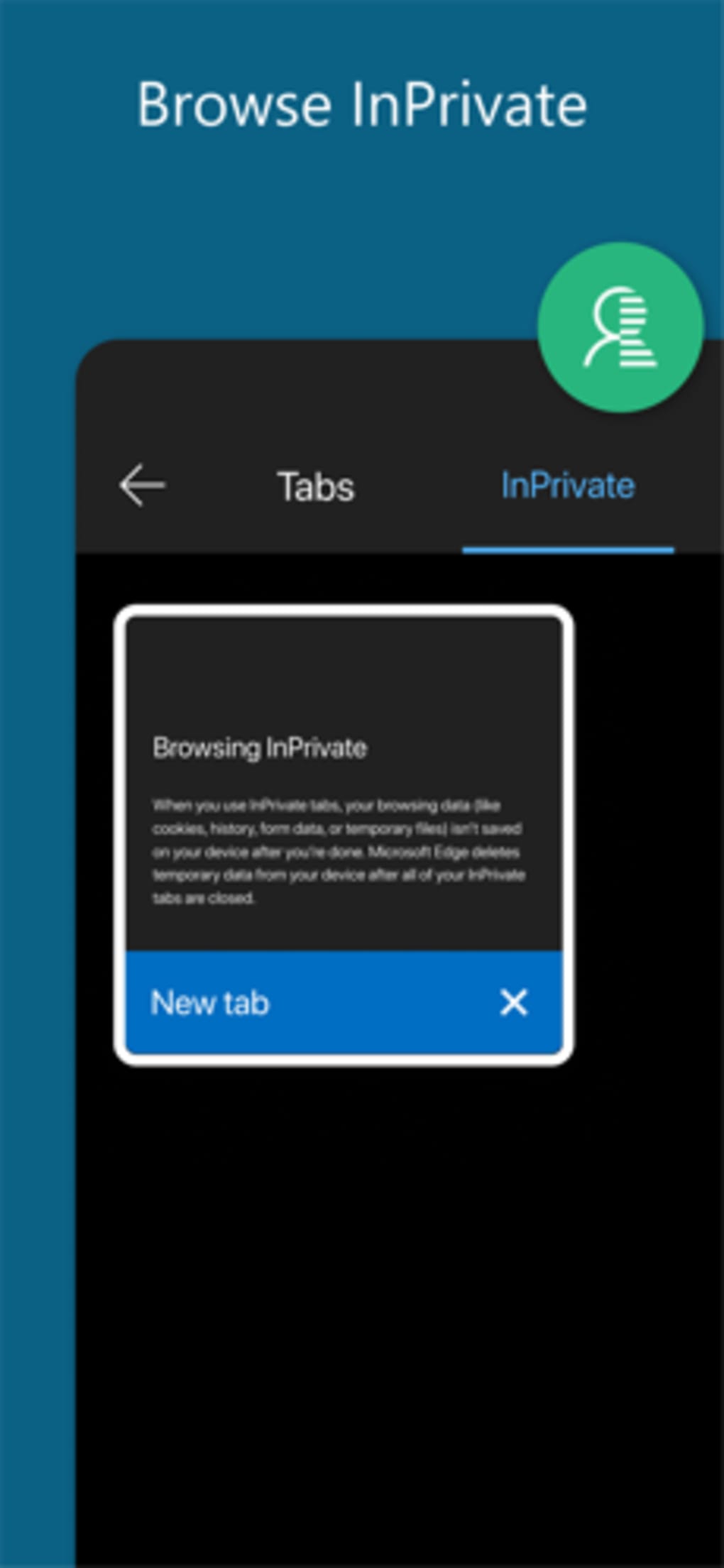
- InPrivate Mode – Browse without saving cookies, history, or form data, enhancing privacy during sensitive sessions.
- AI-Powered Copilot Integration – Access AI assistance via a sidebar to summarize content, extract key points, or complete tasks based on current web activity.
- Desktop and Mobile View Toggle – Switch between mobile and desktop rendering to optimize content access on any site.
- Customizable Search Engine – Change default search engine from Bing to Google or Yahoo for personal preference.
These features are designed to enhance user efficiency and personalization. For example, a student researching a topic can use voice search to ask a question, save relevant articles to the reading list via Hub View, and later access them on a PC with full context. A professional can use Copilot to summarize a lengthy report while browsing, saving time on manual note-taking.
The InPrivate tab is ideal for checking personal information without leaving traces. The ability to toggle between desktop and mobile views ensures compatibility with sites that require different layouts. The Hub View reduces cognitive load by consolidating frequently accessed content in one place.
These functionalities collectively support a streamlined, intelligent browsing experience tailored for modern multitaskers.
Interface, UX & Performance
Microsoft Edge features a clean, modular interface with a focus on minimalism and ease of navigation. The default light theme offers a bright, readable layout, while a dark theme is available for reduced eye strain in low-light environments. The user interface is structured around intuitive icons and a bottom navigation bar, enabling quick access to key functions such as home, new tab, history, and settings.
Navigation is consistent across devices, contributing to a familiar experience. The app responds promptly to user inputs, with fast page load times and smooth transitions between screens. Although the developer did not list formal performance metrics, the app demonstrates responsiveness across various device categories, including mid-range and high-end smartphones.
The design integrates well with modern operating systems, maintaining visual harmony with native UI elements. Stability appears robust, with minimal reported crashes or freezes. The app maintains background sync without significant battery drain, suggesting efficient resource management.
Users can customize the interface through settings, including privacy controls and default behaviors. Overall, the UX prioritizes clarity, speed, and user control, aligning with current standards for high-quality mobile applications.
Platform Compatibility & Technical Requirements
Microsoft Edge Web Browser is available for both Android and iOS platforms. It requires Android 8.0 or later and iOS 13.0 or higher for installation. The app has a file size of 120MB, making it lightweight for most mobile devices.
The latest version, 123.0.2420.74, was released on March 20, 2024. The developer did not specify minimum RAM or processor requirements. Compatibility information was not fully disclosed beyond the OS version thresholds.
The app is available for free download from the Google Play Store and Apple App Store. Users can also access the latest version through the official Microsoft website. While the app is designed for mobile use, its integration with Windows 10 and Microsoft 365 suggests a broader ecosystem dependency.
The absence of detailed technical specifications does not detract from its usability, as the app functions reliably on a wide range of supported devices.
Pros and Cons
- Fast page loading and responsive performance
- Seamless cross-device sync with Windows 10
- Integrated AI assistant (Copilot) for productivity
- Customizable interface with dark/light themes
- Supports voice and camera-based search
- Free to download and use
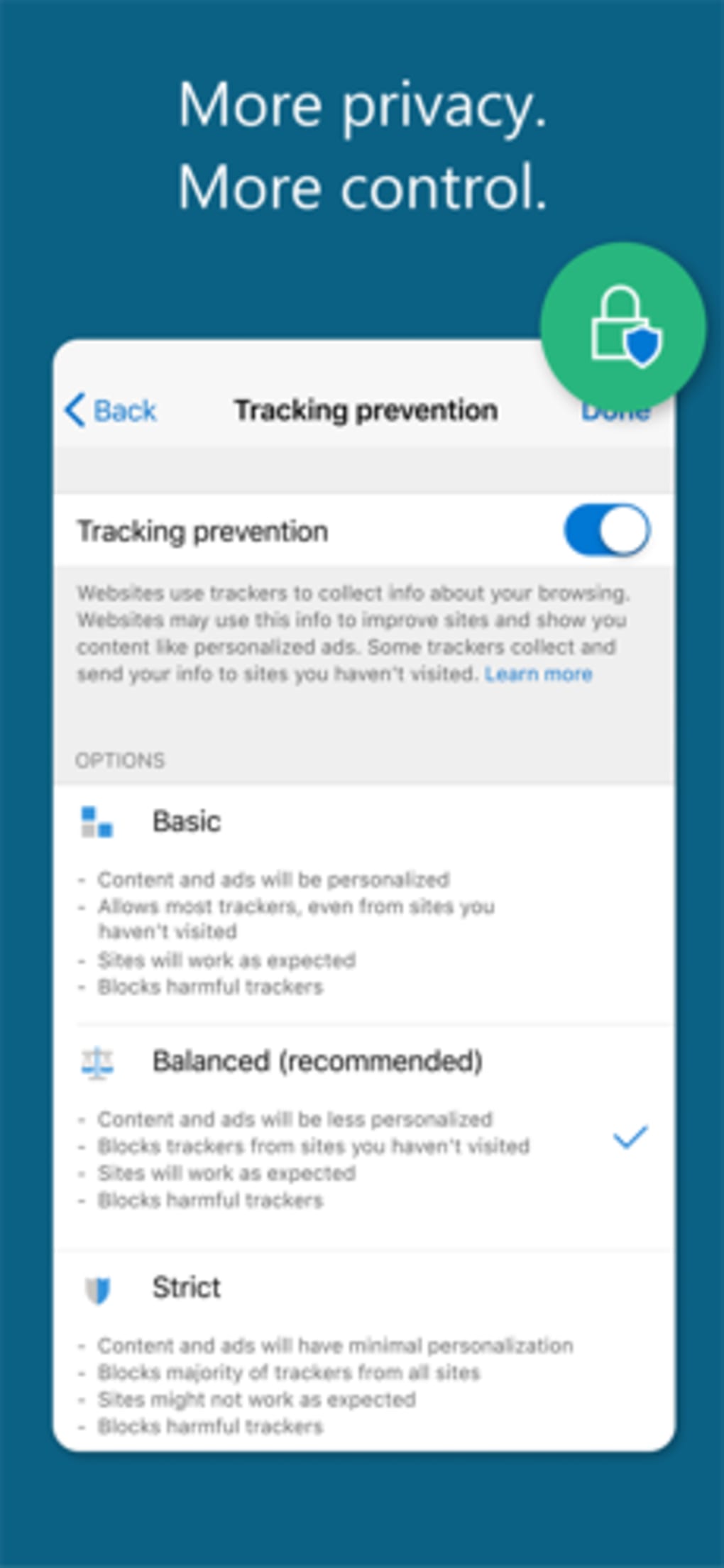
- Strong privacy controls with InPrivate mode
- AI features require an active internet connection
- Some advanced features may require Microsoft account login
- Limited customization options compared to niche browsers
- File size may be larger than minimal browsers
- Dependent on Microsoft ecosystem for full functionality
FAQ
Is Microsoft Edge safe to use on mobile devices?
Yes, Microsoft Edge includes built-in security features such as InPrivate browsing, phishing protection, and automatic updates to ensure safe web access.
Can I use Microsoft Edge without a Microsoft account?
Yes, the browser can be used without signing in. However, full sync and AI features require a Microsoft account.
Does Microsoft Edge support desktop view on mobile?
Yes, users can toggle between mobile and desktop views to access full website functionality.
Is Microsoft Edge available for both Android and iOS?
Yes, the app is compatible with Android 8.0 and iOS 13.0 or higher.
How often does Microsoft Edge receive updates?
Updates are released regularly, with the latest version available as of March 20, 2024. Automatic updates are recommended for security and performance.
Final Thoughts
Microsoft Edge Web Browser stands out as a powerful, privacy-conscious alternative to mainstream mobile browsers. Its strength lies in cross-device continuity, intelligent AI integration, and a clean, user-friendly interface. Whether you're managing work tasks, conducting research, or browsing casually, the app delivers consistent performance and meaningful features.
The inclusion of Copilot enhances productivity by automating content summarization and task completion. For users invested in the Microsoft ecosystem, the seamless sync between phone and PC is a major advantage. Even for those outside the ecosystem, the browser offers reliable speed, customization, and security.
With no cost to download and use, it presents a strong value proposition. If you're seeking a fast, secure, and intelligent mobile browser with real-world utility, Microsoft Edge is a top-tier choice. Download Microsoft Edge now.







